Developer tools that run in your browser.
800+ circular SVG flags, userscripts, UI snippets, converters and reference cards. Everything runs in your browser.
- circular SVG flags
- 800+circular SVG flags
- catalogued userscripts
- 12catalogued userscripts
- browser-side tools
- 20+browser-side tools
- accounts required
- 0accounts required
Explore the hubs
Six areas, each searchable and shareable by URL.
Flags
Searchable library of 800+ circular SVG flags — countries, US states, languages, organizations and symbols — with SVG, PNG, CSS URI, JSX, ZIP and sprite exports.
Userscripts
Curated browser automation scripts with source previews, changelogs, version diffs and one-click install links.
UI Assets
Custom cursors, SVG patterns, glassmorphism snippets and a recolourable icon set with PNG/SVG export.
Dev Tools
SVG minifier, JSON formatter, Base64, hashing, colour contrast, timestamps and text stats, all offline.
Cheat Sheets
Searchable reference cards for Flexbox, Grid, Regex, Git, Tailwind v4, key codes and accessibility.
Blog
23 in-depth guides on shipping flag icons, writing userscripts and privacy-first tooling.
What you actually get
The short version. Each hub page covers the detail.
800+ flags
SVG, PNG, ZIP, sprite, CSS or JSX. Customizer for size, border and rounding.
Serious dev tools
Regex tester, cron parser with lint, SVG optimizer with batch output.
12 userscripts
Source preview, version diffs, changelogs and one-click install URLs.
UI assets
Patterns, gradients, shadows, loaders, cursors, snippets and icons.
Reference
17 cheat sheets and 23 long-form guides.
Nothing leaves the tab
No account and no uploads. Your input is processed in your browser.
A typical five second trip
The same four steps work in every hub.
- 01
Jump to it
Press ⌘K or Ctrl+K for the command palette and type "brazil", "cron" or "flexbox". It reaches flags, tools, cheat sheets, userscripts and posts without loading a page in between.
- 02
Set it up
Tune the controls the hub gives you: flag size and border, optimizer precision, regex flags, cron timezone. Saved presets and snapshot JSON bring a setup back later.
- 03
Take the output
Copy the snippet or download the file. Flags leave as SVG, PNG, ZIP or sprite, tools as JSON, CSV, HTML or PDF, cheat sheets as Markdown.
- 04
Send the exact view
Search terms, tag filters and tool state are written into the URL, so a link reopens the same result set on someone else’s machine.
Free online developer tools
One bookmark for the small jobs that interrupt real work
HatScripts collects the utilities developers reach for several times a week: a regex tester with live highlighting, a cron expression generator that previews the next runs in your timezone, a UUID generator, a JSON formatter, Base64 encoding, hashing and an SVG optimizer. Each one opens instantly and runs entirely in your browser tab.
Next to the tools sits an asset library. The circle flags collection has 800+ circular SVG country, state, language and symbol flags, each downloadable as SVG or PNG, or bundled as a ZIP or sprite sheet. The UI assets hub adds CSS box shadows, gradients, SVG patterns, loaders and a recolourable icon set.
For reference, there are cheat sheets for Flexbox, CSS Grid, regex, Git, Tailwind v4 and keyboard codes, plus a catalogue of Tampermonkey and Violentmonkey userscripts with full source preview before you install anything.
Most-used tools
Regex tester
Live match highlighting, capture group explorer, named-group replacement preview and an HTML or PDF match report.
Cron expression generator
Parses 5-field, 6-field and Quartz syntax, explains each field in plain English and lists the next 10 runs in any timezone.
UUID generator
Generates cryptographically random v4 UUIDs with crypto.randomUUID. Click any value to copy it.
SVG optimizer
Strips metadata, rounds path precision and shows a before/after diff. Batch mode zips a whole folder of icons.
Circle flags
Search by country name, ISO code or alias. Export SVG, PNG, CSS data URI, JSX, ZIP or sprite.
CSS box shadow generator
A six-step elevation scale plus inner, glow and ring shadows, previewed on light and dark surfaces.
Who uses it
Front-end developers
Grab a flag icon for a language switcher, a shadow scale for a design system or a Flexbox reminder mid-layout.
Backend and DevOps engineers
Check a cron schedule before it ships, test a log-parsing regex or mint UUIDs for fixtures.
Designers
Export recoloured icons, gradients and SVG patterns without opening a design tool.
Power users
Install reviewed userscripts that clean up YouTube, GitHub, Reddit and other daily sites.
Developer tools FAQ
Is there a free online regex tester on HatScripts?+
Yes. The regex tester in Dev Tools highlights matches as you type, lists every capture group, previews replacements and exports a report. It uses the JavaScript regex engine your browser ships.
How do I generate a cron expression?+
Open the cron parser in Dev Tools, type or edit an expression, and the page explains each field and shows the next 10 run times. Lint mode flags risky patterns such as day-of-month and day-of-week combinations that never match.
Where can I download circle flag icons?+
The Flags hub has 800+ circular SVG flags covering countries, US states and other subdivisions, languages, organizations and historical flags. Each one downloads as SVG or PNG.
Related on HatScripts
Latest from the blog
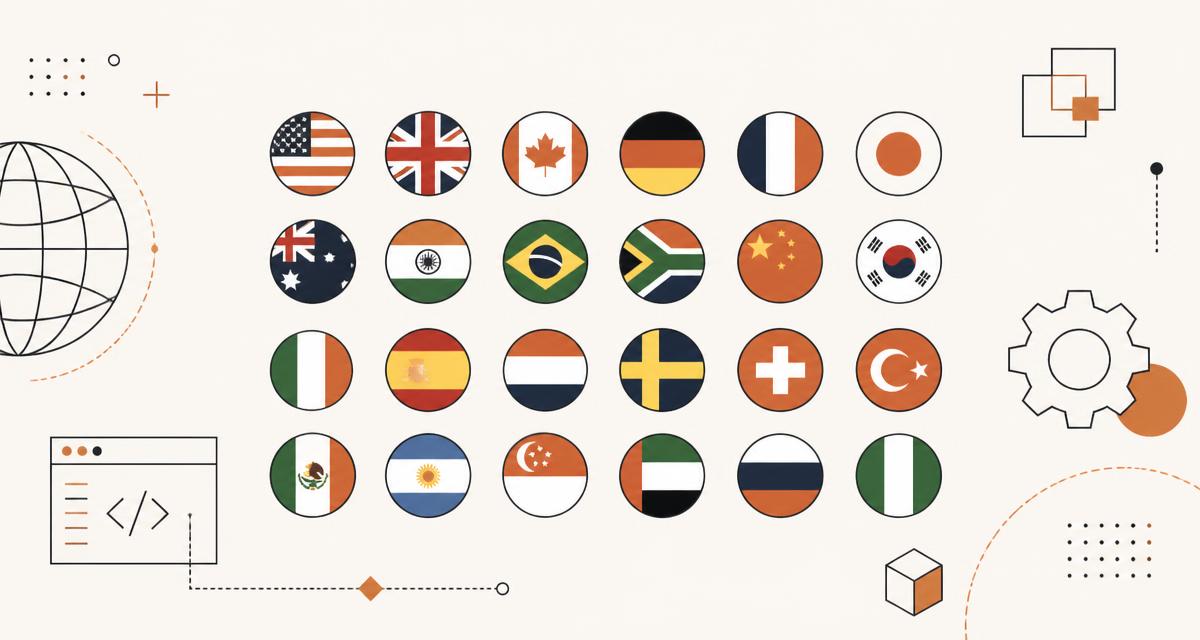
How to Use Circle Flag SVGs in Any Web Project
A practical guide to embedding circular SVG country, state, language and symbol flags in HTML, React and CSS, including data URIs, sprites, PNG fallbacks and accessibility.
Read guide →
Getting Started With Userscripts: A Practical Introduction
What userscripts are, how Tampermonkey and Violentmonkey run them, how to install one safely, how to write your first script, and how to debug it.
Read guide →
Why Client-Side Developer Tools Are Better for Privacy
Browser-only converters and formatters never transmit your data. What that means in practice, how to verify a tool really runs locally, and where the limits are.
Read guide →Frequently asked questions
Is HatScripts really free?+
Yes. Every hub, export format and tool is free with no account, no trial and no export limits. There is no premium tier to upgrade to.
Do my files or pasted text get uploaded?+
No. Converters, formatters, hashers and the flag and icon exporters all run as JavaScript inside your tab, so your input never reaches a server.
Can I use the flag SVGs commercially?+
The artwork comes from the MIT-licensed circle-flags project, so commercial use is allowed. Some countries regulate depictions of their own flag in branding, so check local rules for logo or packaging use.
What formats can I export flags in?+
Single SVG, PNG at 32–512px, CSS data URI, JSX component markup, plus bulk ZIP downloads and a combined SVG sprite for multi-flag exports.
Are the userscripts safe to install?+
Each entry links to its canonical source so you can read the code before installing. HatScripts indexes scripts and shows changelogs and version diffs rather than re-hosting modified copies.
Does HatScripts work offline?+
Once a page has loaded, the tools on it keep working without a connection because the logic is already in your browser. Downloading new flag files still needs network access.
Which flag file format should I use in a web app?+
Use a plain SVG file reference for lists and pickers so the browser caches one copy per country. Inline the SVG only when you need to animate or recolour individual paths, and reach for a CSS data URI when the flag is decorative and lives in a pseudo-element.
How do I export several flags at once?+
Select the countries you want in the flags hub, then choose the bulk ZIP download for individual files or the combined SVG sprite when you would rather ship one request and reference each flag by id.
What PNG sizes are available for flags?+
Flag detail pages render PNG at 32, 64, 128, 256 and 512 pixels, drawn from the same vector source, so every size stays crisp on high-density screens.
Do I need Tampermonkey to use the userscripts?+
You need any userscript manager. Tampermonkey has the widest browser support, Violentmonkey is the open-source alternative, and both read the same metadata block, so scripts listed here work in either.
How do I read a userscript before installing it?+
Every script has a detail page with a syntax-highlighted source preview, its metadata block, a changelog and a version diff, so you can see exactly what changed between releases before you install or update.
Are favorites, install history and read posts stored on a server?+
No. Favorites, install counts, activity timelines and read-post state live in your browser localStorage. Clearing site data resets them, and nothing syncs between devices.
Can I share a filtered view of a hub?+
Yes. Search text and selected tags are written to the URL in the userscripts hub, so copying the address bar sends someone the exact filtered result you are looking at.
Is there a keyboard shortcut for finding things quickly?+
Press Cmd+K on macOS or Ctrl+K elsewhere to open the command palette, which searches flags, userscripts, tools, cheat sheets and blog posts from one input.
Are the country names and ISO codes kept up to date?+
Flag metadata is generated from an open country dataset covering ISO 3166-1 alpha-2 codes, regions and common alternative names, including subdivisions such as England, Scotland and Wales.
Can I subscribe to userscript updates?+
Yes. The userscripts hub publishes an RSS feed and a JSON feed of recent additions and version bumps, both linked from the footer, so a reader can track changes without visiting the site.
Start with the flag library
The most-used hub: search 800+ flags by name, ISO code, alias or region, then export exactly the format your project needs.